The mostbeautifulway tolaunch
Create stunning, shareable waitlist pages that build excitement and grow your audience. No code. Launch in minutes.
No signup required
Browse templates
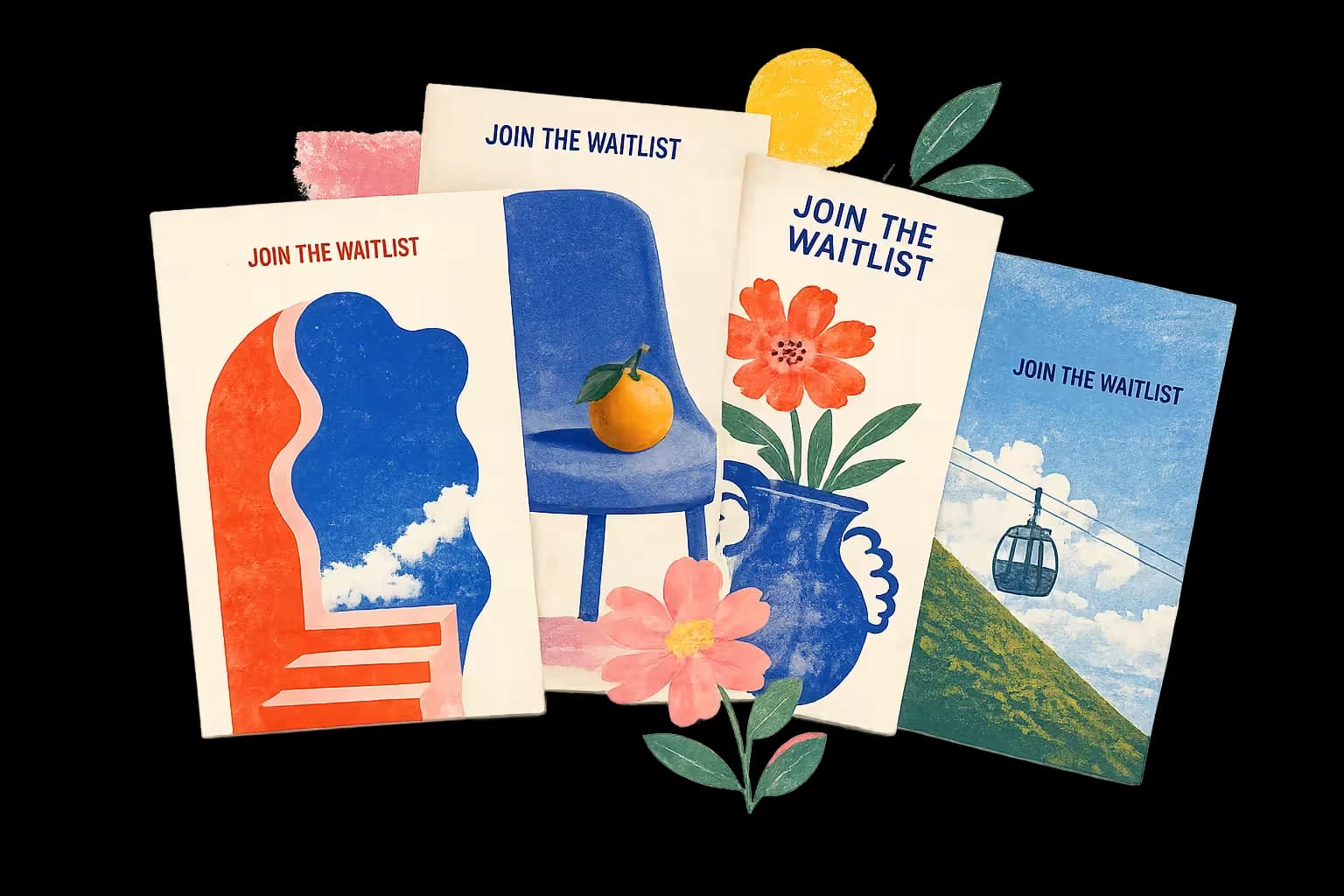
A GALLERY OF
beautiful launch pages

Better things ahead.

BE THE FIRST
Good things take time.

Something wonderful is coming.
JOIN THE WAITLIST
Big ideas start small.
Launch in minutes
Beautiful templates, easy customization, and instant publishing. Seriously fast.
Referral links
Turn early fans into your best marketers with built-in referrals and leaderboards.
Short share links
Every page gets a joinwaitl.ist link — short enough to say out loud, and it fits in a bio.
Simple analytics
Track signups, referrals, and growth with clean, actionable insights.
Questions
Asked and answered.
The short version of everything people ask before they launch.
What is a waitlist page?
A waitlist page is a single web page for a product that hasn't launched yet, where visitors leave their email to be told when it does. It usually pairs a short pitch with a signup form, and often adds referral links or a position in line to give people a reason to share it. It's the standard way to prove demand before you build.
What is Pages by Beautiful?
A tool for making launch pages. Pick a template, make it yours, and publish a page where people leave their email to follow your launch. We collect the signups, you watch the list grow — and you can export it as a CSV whenever you like.
How do I create a waitlist page for free?
Pick one of the templates, swap the words and pictures for your own, and publish. It takes a few minutes and no code. There’s no credit card and no trial clock — published pages carry a small “Made with Beautiful” badge, and that’s the whole arrangement.
How many signups can I collect for free?
As many as you get. There’s no cap on signups and no limit on how many pages you make — which is unusual: most waitlist tools stop their free plan between 50 and 100 signups. We compared six of them if you want the numbers.
Do I need to know how to code?
No. Everything is visual: choose a template, edit the words and colors, publish. If you can write an email, you can launch a waitlist.
How do I sign in, and what does Google see?
You can sign in with a one-time code we email you, or with your Google account. If you choose Google, we only receive your name, email address, and profile photo — enough to create your account and sign you in. We never see your password and can’t access anything else in your Google account. The details live in our Privacy Policy.
Who owns the emails I collect?
You do. Your list belongs to you: export it anytime, take it anywhere. We store it safely and never message your subscribers beyond the emails that make your page work.